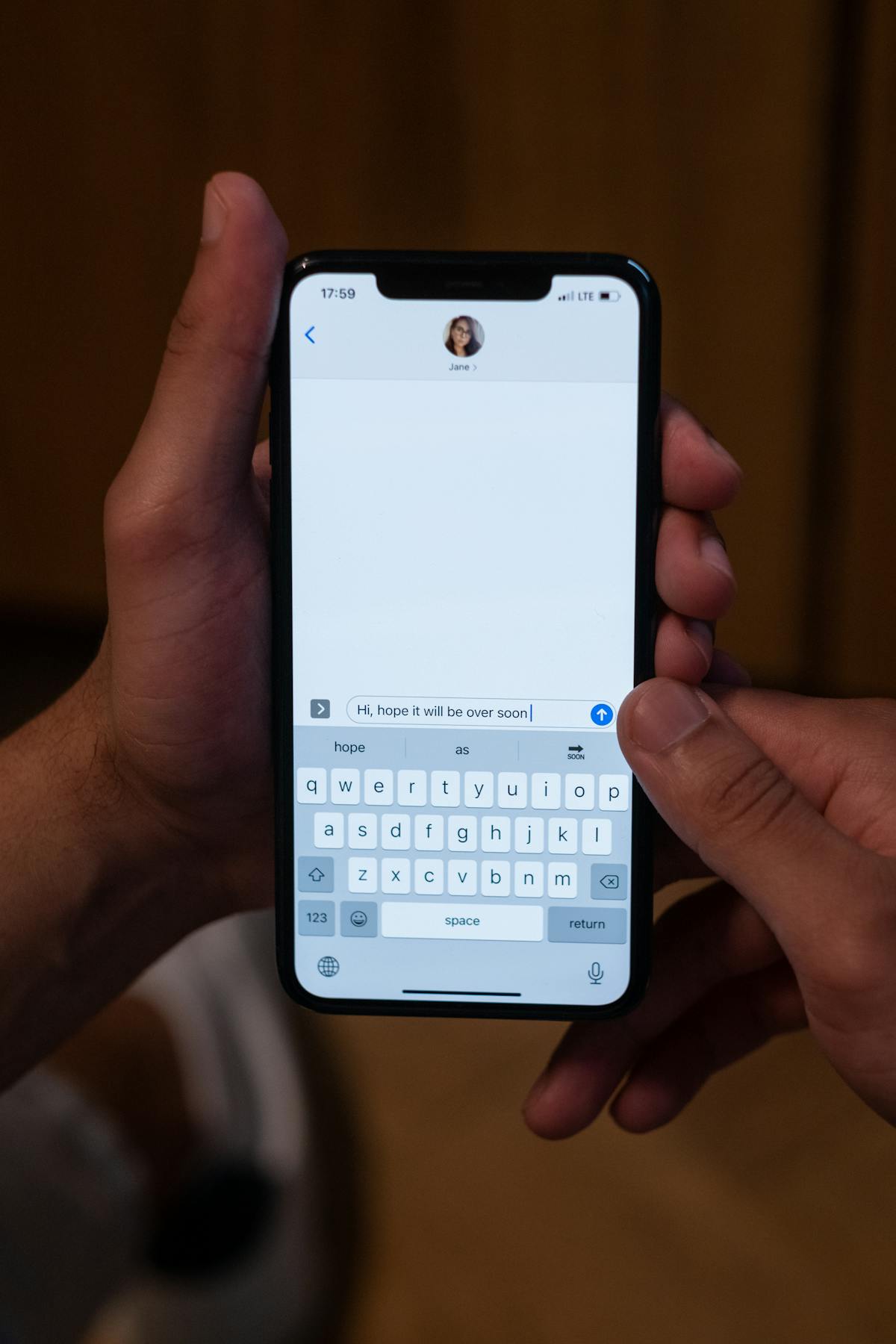
iMessage renders any Apple Maps link as a tappable preview with a thumbnail and address. It does not verify whether the link matches your real GPS. That is the whole game: if you can generate a clean Apple Maps link for any spot in the world, iMessage will display it as if it were a real location share.
Three ways to do it on iPhone in 2026.
Quick Comparison
| Method | Static or Live | Cost | Best For |
|---|---|---|---|
| 1. Apple Maps card (Location Changer) | Static | Free | Most cases |
| 2. Manual Apple Maps drop pin + share | Static | Free | Same spot you can see in Maps |
| 3. Fake Live Location (USB spoofer) | Live | $10-$20/mo | Continuously updating location |
How iMessage Renders Locations
Two types of location can appear in an iMessage chat:
- Apple Maps link previews. Any URL matching
https://maps.apple.com/?q=LAT,LONGturns into a tappable Apple Maps card with a thumbnail. iMessage handles the rendering automatically. No GPS check. - Shared Live Location. Pulled from iOS's Find My infrastructure, updates continuously from your real GPS. To fake this you need to override the system GPS.
Methods 1 and 2 below produce link previews. Method 3 is the Live Location route.
Method 1: Apple Maps Card with Location Changer (Easiest)
Location Changer drops a pin anywhere on the world map and generates a fully-formed Apple Maps card: street address (auto-detected by Apple's geocoder), exact GPS coordinates, elevation, and the Apple Maps link. Tap Share, pick iMessage, send.
Steps
- Open Location Changer.
- Tap any spot on the map (or use the search bar to find a city).
- Tap Share, pick Messages.
- Choose the contact. The message goes through with the address, coordinates, elevation and Apple Maps link in one card.
On the recipient's phone the message renders as a tappable Apple Maps preview. Tapping opens Apple Maps to the exact spot.
Why this works: iMessage's rendering pipeline treats your Apple Maps URL exactly the same as one Apple Maps itself would generate. There is no metadata for the recipient to inspect, and nothing in the chat that would reveal it was crafted.
Method 2: Manual Apple Maps Drop Pin (Free)
Apple Maps lets you drop a pin and share it. If you set up your view on the destination (zoom in, drop the pin) the share creates the same Apple Maps card.
Steps
- Open Apple Maps.
- Search for the city you want, or pan and zoom to the spot manually.
- Long-press to drop a pin (Apple Maps places the pin where you tap).
- Tap the pin info card. Tap Share.
- Choose Messages, pick the contact, send.
Catch: the share goes as a marked "Marker" with the coordinates, not as a polished address card. Recipients can tell it was a hand-dropped pin. For something that looks like a real location share, Method 1 is cleaner because the address is auto-resolved by the geocoder.
Drop a Pin Anywhere, Send a Real Apple Maps Card
Location Changer turns any spot on the world map into a polished iMessage card with the address, coordinates, elevation and Apple Maps link, all auto-filled. Free iPhone app. Also works for WhatsApp, Mail, Telegram and any other chat.


Method 3: Fake Live Location (USB Spoofer)
iMessage's built-in "Share My Location" pulls continuously from iOS's Find My infrastructure, which reads system GPS. To fake a Live Location share you need to override system GPS. The only way on iPhone is a USB cable spoofer: Tenorshare iAnyGo, iMyFone AnyTo, LocaChange. All three work on iOS 26 after their late-2025 patches. Pricing $9.99-$19.99/month, $60-$80 lifetime.
- Install the spoofer on your Mac or PC.
- Plug in your iPhone. Trust the computer if prompted.
- Pin the location you want in the spoofer.
- Click "Start" or "Modify location."
- In iMessage, open the chat, tap the contact name at the top, tap "Share My Location." Pick a duration.
- iMessage broadcasts the spoofed GPS as your Live Location.
Catch: your iPhone needs to stay connected to (or near) the computer running the spoofer for the duration of the share. Some spoofers offer a "walk a route" mode that simulates organic movement at walking pace.
What If the Recipient Is on Android?
iMessage only works between Apple devices. If you send a message to an Android user it goes as SMS or MMS, and links render as plain URLs. The recipient still sees the Apple Maps URL and can tap it to open in their browser (which shows the location on Apple's web map). For a smoother cross-platform experience, send a Google Maps link via SMS or WhatsApp instead. Open Google Maps, long-press the spot, tap Share, copy the link.
Can iMessage Detect a Fake Location?
No. iMessage does not verify the source of an Apple Maps link, does not compare it against your current GPS, and does not flag synthesized URLs. The Live Location feature reads system GPS, which is overridable only with system-level spoofing tools.
The recipient can spot a fake only if they have outside information (you said you were at home, the pin shows you across town).
FAQ
Does iMessage show a special icon for fake locations?
No. The shared location renders the same as a real one.
Can I fake Live Location without a computer?
Not really. iPhone Live Location reads system GPS, which only system-level spoofers override. For a static fake pin, Method 1 (free) is the cleanest option.
Will my recipient see the city in the message preview?
Yes. Apple Maps cards in iMessage show a thumbnail of the map plus the address. The thumbnail is generated from the real Apple Maps tile of the spoofed location.
Does Apple track that I sent a fake location?
No. The message goes through iMessage's end-to-end encrypted pipeline. Apple servers only see the encrypted blob.
Can I send a fake location in a group chat?
Yes. Same flow. The card renders identically in group chats.